She was scrolling Pinterest at midnight when she found it — the photo. A soft, dreamy portrait of a girl sitting in a café window, golden light spilling across her face, film grain, perfectly imperfect. She saved it. Then she did something unexpected.
She opened AdLoft, uploaded her own selfie as the main photo, and dropped the Pinterest image into the rival reference slot. Hit generate. Thirty seconds later, she was staring at herself — same face, same smile — but lit and styled like she'd hired a professional photographer for a €500 editorial shoot.
That's the hack. And it works for more than just portraits.
What's Actually Happening Here
AdLoft's Rival Mode was originally built for brand competitive analysis — upload your product, upload a competitor's product image as the reference, and the AI generates your product matched to the quality and aesthetic of the competitor. But users discovered something much broader: it doesn't matter what the "rival" image is.
The AI reads the visual DNA of the reference — its lighting, colour palette, mood, composition, grain, depth — and applies those stylistic properties to your subject. The reference is just a style template. Which means any photo you admire, anywhere on the internet, becomes a style guide you can actually use.
🎨 What the AI extracts from your reference
Colour grading and tone · Lighting direction and quality · Background mood and depth · Compositional framing · Film grain, texture, and finish. What it does not copy: faces, identities, or any protected content from the original image.
The Step-by-Step: From Pinterest Save to Your Photo
- Find your reference — Save any photo whose aesthetic you want on Pinterest, Instagram, or anywhere else. The more visually distinctive the style, the better. A moody dark film look, a clean bright Scandinavian editorial, a warm golden-hour lifestyle shot — all work beautifully.
- Prepare your source photo — Take a photo of yourself, your product, or your couple on your phone. It doesn't need to be professionally lit — a clear, sharp photo in decent light is enough. The AI will handle the aesthetic translation.
- Open AdLoft and select Rival Mode — Go to the generator and select Rival Mode from the mode options.
- Upload your photo as the main image — This is your subject: you, your product, your couple, whatever you want transformed.
- Upload the Pinterest/inspo image as the rival reference — This is your style guide. The AI will read its aesthetic fingerprint.
- Generate — Hit generate. In under 60 seconds, your subject appears inside that aesthetic world.
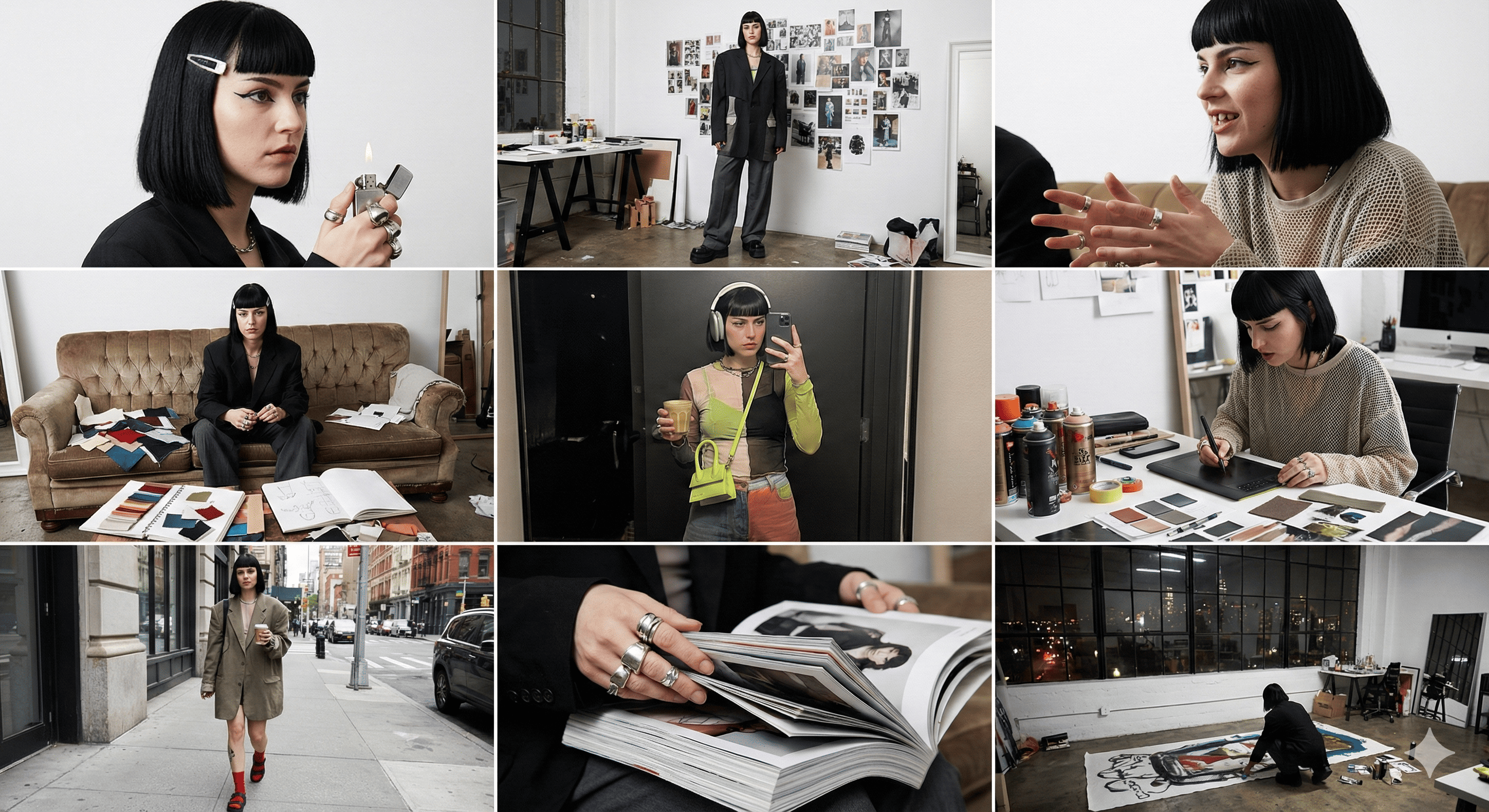
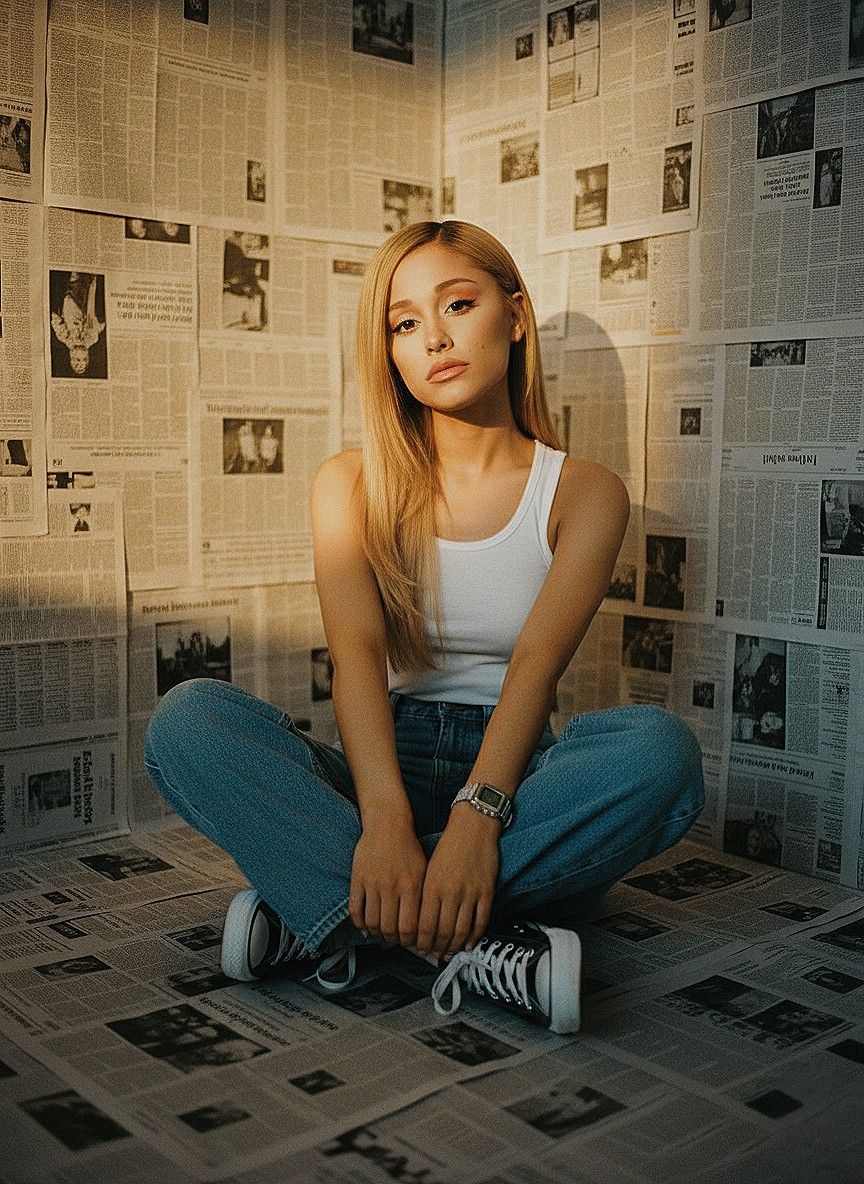
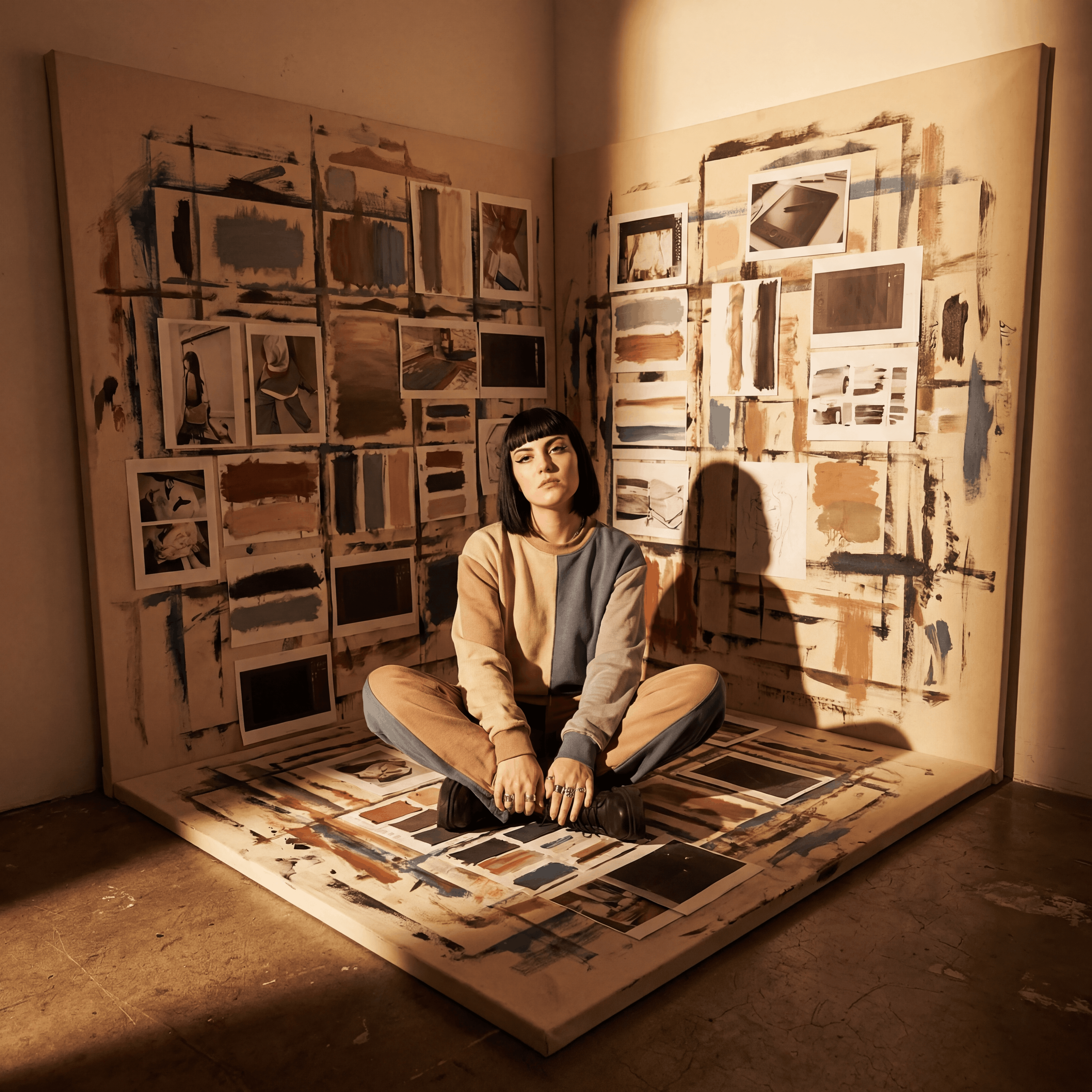
It Works for People and Products
This is the part most AdLoft users don't realise. The tool isn't product-only. Here's a breakdown of what's working right now:
Portraits and selfies
Upload your own photo, use a Pinterest aesthetic portrait as the reference. Your face, any aesthetic. Soft film, dark editorial, bright minimal, moody café — whatever aesthetic you've been saving and feeling like you'll never achieve without a professional shoot.
Products: skincare, candles, jewellery, fashion
Find a product shot with the mood you want — a competitor's stunning campaign image, a premium brand's editorial — and use it as your style reference. Your product inherits that aesthetic without the $2,000/day studio cost.
Lifestyle and food
Flat lays, table settings, interiors, food styling. Find a reference with the exact colour treatment and mood, run your photo through Rival Mode, and your Instagram grid suddenly looks like it has a consistent direction.
Couples and shared moments
Find a couple photo you love — a travel editorial, a golden-hour portrait, a styled engagement shoot — and use it as a reference with your own couple photo. More on this in a moment.
Why This Matters for Social Media
There's a massive gap between the aesthetic people save on Pinterest and the photos they actually post. The photos they save look like they required a professional photographer, a stylist, the right travel destination, the right weather, and a $500 shoot. The photos they post look like what their phone produced in their bedroom at 6pm.
AdLoft's Rival Mode closes that gap. The aesthetic you've been saving and dreaming about isn't out of reach — you just needed a tool that could bridge it with your actual photo.
💡 What makes a strong aesthetic reference
High contrast styles (dark moody, bright airy) translate most accurately. Film grain and specific colour grades (golden, teal, muted) carry beautifully. Mixed or unclear aesthetics give vaguer results — pick a reference that has a strong, single visual identity.
Popular Aesthetic Styles That Work Especially Well
- Soft film / vintage grain — warm tones, slight overexposure, gentle grain. Huge on Pinterest for portraits and lifestyle.
- Dark moody café aesthetic — deep shadows, warm highlights, intimate framing. Works beautifully for portraits and food.
- Bright Scandinavian minimal — white backgrounds, clean light, object isolation. The de facto aesthetic for premium product photography.
- Golden hour editorial — backlit warmth, sun flare, organic settings. The most-saved aesthetic on Pinterest for portrait photography.
- Dark luxury / campaign editorial — high contrast, cool tones, fashion-forward framing. Works for both products and portraits.
FAQ
Does AdLoft copy the original Pinterest photo?
No. The AI extracts the stylistic properties of the reference — lighting, colour, mood, texture — and applies them to your subject. It doesn't reproduce the original photo, the original person, or any protected content. Your output is entirely new, featuring your subject in that aesthetic.
What types of reference photos work best?
Strong, stylistically distinct references work best. The clearer and more consistent the aesthetic in the reference, the more accurately AdLoft can extract and apply it. Avoid references that mix very different styles or that are blurry and poorly lit themselves.
Can I use any image from the internet?
You can use any image as a style reference — the AI reads the aesthetic properties, not the content. For the photos you output and publish, standard content ownership rules apply to your own source photo.
Do I need a high-quality source photo?
A clear, well-lit phone photo is more than sufficient. The AI rewrites the lighting and aesthetic from your reference, so your source photo just needs to clearly show the subject. Avoid very dark, blurry, or heavily compressed source photos.
Try the Pinterest Aesthetic Hack
10 free credits, no card required. Upload your photo, drop in your Pinterest reference, and see yourself in that aesthetic in under 60 seconds.
Try It Free →